
PLATFORM RESEARCH / WOOCOMMERCE OPERATIONS · ECOM RATINGS
A practical extension audit, test plan, and rollback process for stores that want HPOS without breaking order flows.
Editorial research · Sources verified October 26, 2026 · Practical implementation guide
THE ESSENTIAL RULE · Audit extensions first
HPOS changes where WooCommerce stores order data. The biggest migration risk is not the toggle itself, but the extensions, custom code, and fulfillment workflows that still expect orders to behave like WordPress posts.
Verified against Woo documentation: October 26, 2026. High-Performance Order Storage, or HPOS, replaces the old pattern of storing WooCommerce orders in the standard WordPress posts and postmeta tables with dedicated order tables. That architecture is cleaner and usually faster, but it also means every plugin, connector, and custom snippet that reads or writes order data must behave correctly in the new model. Merchants often search for a yes-or-no answer – “Is my store HPOS compatible?” – when the more useful question is narrower: Which parts of my stack touch orders, what do they do, and how will I test them before making HPOS authoritative?
That framing closes a real information gap. There are plenty of WooCommerce announcements about the benefits of HPOS, and plugin authors often publish short compatibility notes. What is rarer is a practical audit method that a store manager or technical lead can apply before switching order storage on a live store. This article focuses on that method. It does not attempt to be a generic WooCommerce review and it does not guarantee that a specific extension will work in every store. The goal is to help you decide what to test, in what order, and what counts as a safe go-live.
What HPOS changes and why plugin audits matter
Under the legacy model, WooCommerce stored orders inside the same WordPress database tables used for posts, pages, and custom post types. HPOS introduces dedicated order tables such as _wc_orders, _wc_order_addresses, _wc_order_operational_data, and _wc_orders_meta. Woo documents the benefits as scalability, reliability, and simplicity: fewer read and write operations on overworked tables, more targeted backups, and a structure that fits ecommerce data better than generic content tables.
The migration challenge is that a store does not operate on WooCommerce core alone. Payment gateways add transaction metadata. shipping tools create labels and tracking events. subscription tools generate renewals. ERP connectors push orders outward. reporting plugins query the database. custom functions written years ago may still call WordPress order queries directly. If any of those layers assume that orders live only in posts tables, you can see mismatched order screens, failed background jobs, missing reports, or even silent data inconsistency.
The short answer: what to check before you switch
| Area | What to confirm | Why it matters |
|---|---|---|
| Extensions | Whether each plugin explicitly supports HPOS or appears on Woo’s incompatible list | The admin may block switching when a known incompatible extension is installed. |
| Custom order features | Subscriptions, bookings, deposits, fulfillment apps, order exports, fraud tools, and refunds | These features are the ones most likely to create edge cases around order reads and writes. |
| Data synchronization | Whether compatibility mode has fully backfilled data between storage engines | A half-synced store is the worst possible place to judge compatibility. |
| Staging tests | Order creation, payment capture, refunding, fulfillment, customer emails, and reporting | Compatibility claims are not a substitute for store-specific testing. |
| Rollback | How to revert to legacy storage while compatibility mode remains enabled | A migration plan is not complete without a clear exit path. |
If you only remember one sequence, remember this one: inventory your extensions, stage the store, enable compatibility mode, let the sync finish, test every order-touching workflow, switch HPOS to authoritative only after those tests pass, and keep a rollback path ready until you are satisfied that the production behavior is stable. Woo explicitly recommends leaving compatibility mode on for a period so you can revert quickly if necessary.
Build an extension inventory before you touch the toggle
Most stores underestimate the number of components that depend on orders. Start with a simple spreadsheet or project board and list every active plugin, must-use plugin, custom code package, theme function, and external integration. For each item, note the vendor, version, business owner, and whether it has anything to do with order creation, editing, exports, fulfillment, payment, refunds, or customer communication. You are not trying to prove compatibility yet. You are creating the universe of things that could be affected.
The easiest way to make the list useful is to group plugins by business function rather than alphabetically. A payment cluster might include the gateway, fraud scoring extension, invoice extension, and accounting sync. A fulfillment cluster might include shipping labels, warehouse picking, status automation, and tracking emails. Once you group the stack this way, it becomes much easier to ask practical questions: if an order is placed, paid, partially refunded, packed, and exported to the ERP, which plugins participate? That order journey becomes your future test case.
Classify each plugin by order touchpoints
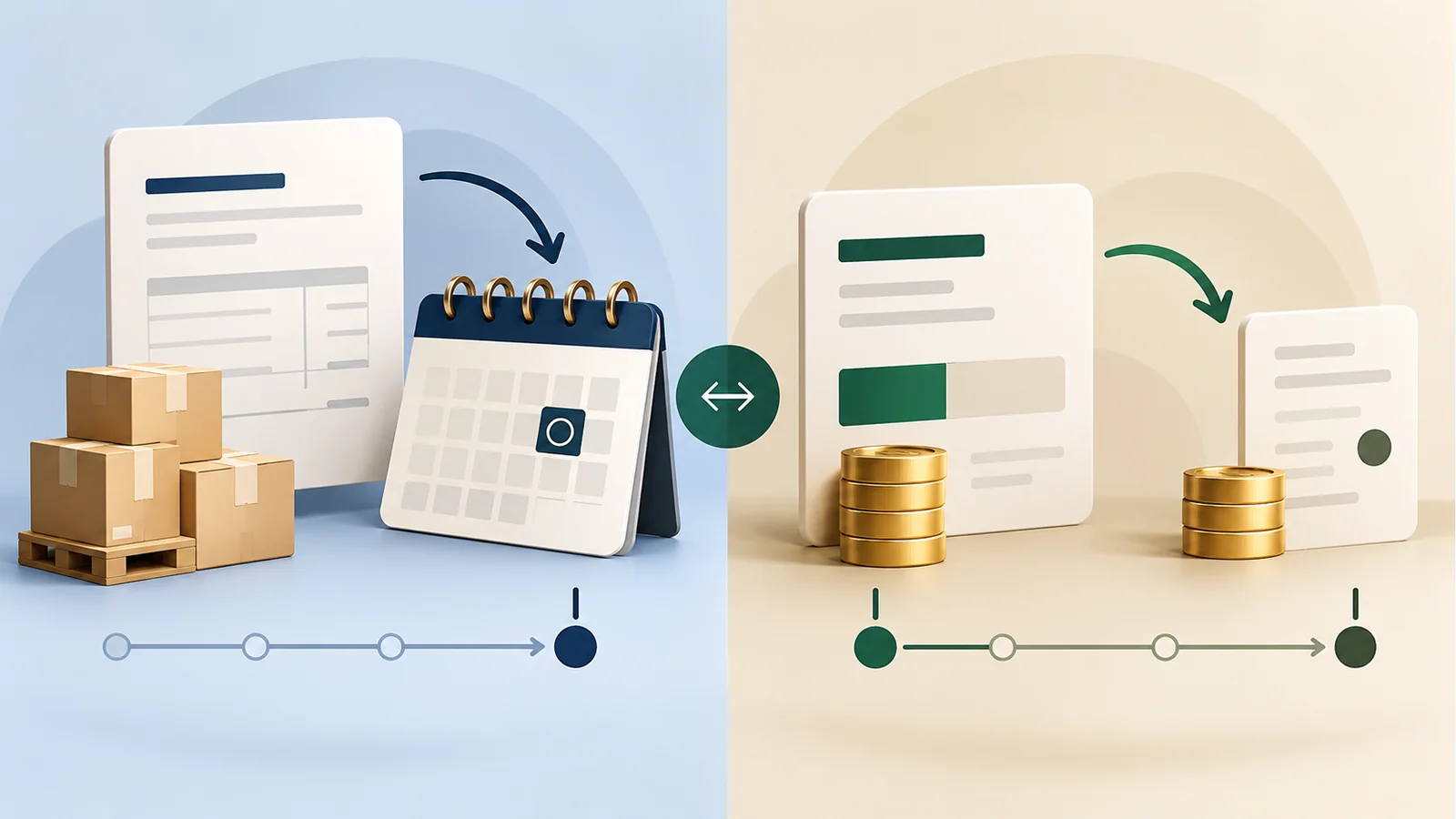
In real projects, a compatibility audit moves faster when each extension is classified into one of four buckets. Bucket one is read-only behavior: plugins that simply display order data or include it in reports. Bucket two is write behavior: plugins that update statuses, metadata, or line items. Bucket three is event-driven behavior: plugins that react to hooks when orders are created, paid, canceled, or refunded. Bucket four is direct database behavior or older custom code that may bypass WooCommerce CRUD methods and query the posts tables directly.
Bucket four deserves the most caution. HPOS was built around WooCommerce’s CRUD layer. Extensions and snippets that used the official abstraction generally had a smoother migration path. Older code that directly queried wp_posts or wp_postmeta can still work in legacy mode, but it becomes a liability when HPOS is authoritative. If you cannot immediately inspect every line of custom code, at least identify who maintains it and what business process depends on it. A small unknown snippet can block a safe migration more effectively than a big, well-supported plugin.
How to read Woo’s built-in compatibility signals
WooCommerce helps in two ways. First, the Features screen under WooCommerce settings can block switching when installed extensions are known to be incompatible. Second, the documentation gives you a direct admin URL pattern that lists plugins flagged as incompatible with custom order tables. This is a strong signal, but not a complete one. If a plugin is not flagged, that does not automatically mean your particular workflow is safe. It only means WooCommerce is not currently blocking the switch on that plugin.
There is a second documented nuance that many guides omit: before enabling HPOS, extensions that use custom post types – Woo Subscriptions and WooCommerce Bookings are Woo’s own examples – should remain active during the migration. If such an extension is deactivated before the data transition, Woo warns that discrepancies can appear because the system is moving to the new tables while the extension’s older data relationship remains behind in posts storage. This is exactly the kind of detail that makes an audit more than a checkbox exercise.
| Signal | What it tells you | What it does not tell you |
|---|---|---|
| Admin toggle is disabled | At least one extension is identified as incompatible | Whether another unflagged extension will still fail a store-specific workflow |
| Vendor says “HPOS compatible” | The developer has at least addressed HPOS support in current releases | Whether your exact version, add-ons, and custom snippets are current and tested |
| No error during enablement | Woo can switch storage state | Whether all downstream reporting, exports, and automations behave correctly |
| Orders appear in admin | Basic read/write works in the core UI | Whether renewals, refunds, status automations, and scheduled tasks also work |
A staging sequence that catches most problems
A good staging test copies not just the codebase but also the data shape. Ideally, the stage environment includes recent orders, realistic subscriptions or bookings if you use them, and the same active plugin set as production. Begin by updating all plugins and themes to the approved versions you intend to run in production. There is little value in validating HPOS on a plugin mix you do not plan to keep.
Next, enable compatibility mode and let Woo sync the data. Woo documents the background actions involved in backfilling order data and also provides the CLI command wp wc cot sync as an alternative. Do not rush this step. If you test before the backfill completes, you will end up debugging a partly synchronized state instead of the migration itself. Once sync completes, perform an end-to-end script: place a test order, capture payment, edit line items if your staff does that, generate an invoice, fulfill the order, trigger tracking, process a partial refund, and confirm the order appears correctly in exports and reports.
After those baseline tests pass, switch HPOS to be the authoritative order storage in staging while keeping compatibility mode enabled. Repeat the full script. Then add edge cases: failed payment recovery, guest orders, coupon orders, manual admin orders, renewal orders, subscription payment retries, and whatever unusual scenarios exist in your store. A migration is safe only when the core happy path and the high-value edge cases both survive.

Special risk groups: subscriptions, bookings, and custom code
Some stacks deserve extra time. Subscription stores should validate renewal creation, automatic and manual renewals, early renewals if used, failed-payment retries, and subscription status transitions. Booking stores should validate booking creation, edits, cancellations, and any order-linked calendar or availability changes. Marketplaces or B2B stores that create large manual orders should validate admin editing and export logic. If refunds are tied to external accounting, make sure those sync jobs see the updated order state after the switch.
Custom code deserves its own mini-audit. Search for direct SQL references to wp_posts, post_type, order IDs, or custom order meta queries. Search for deprecated order-access patterns. Search for old assumptions around the order screen, order status transitions, or scheduled actions. Many WooCommerce stores carry snippets added over several years by different freelancers. HPOS migration is a good moment to decide which of those snippets are still necessary and which can be retired.
How to validate sync and authoritative storage
There are really two separate questions during migration. The first is whether synchronization is complete. The second is whether HPOS can safely become authoritative. For the first question, verify that the background actions or CLI sync finished successfully and that recent orders appear consistently in both the operational admin views and any dependent tools. For the second question, confirm that new orders placed after the switch still flow to the necessary integrations and that routine staff tasks behave normally.
This is also the moment to validate reporting assumptions. Some reporting plugins rely on order metadata, others on custom tables, and others on WooCommerce analytics endpoints. If a finance team or warehouse manager uses a report every morning, that report is part of the migration scope even if it never changes an order. A successful HPOS switch with a broken daily operations report is still a failed rollout.
Rollback planning: what good reversal looks like
Woo documents that if you encounter problems, you can temporarily switch the order storage setting back to WordPress posts storage, provided compatibility mode is enabled and synchronization has completed. That means rollback planning starts before go-live, not after. Write down the exact decision triggers: for example, unprocessed renewals, export mismatches, or failed warehouse syncs. Assign who is allowed to call rollback, how the change is executed, and how affected staff will be informed.
A good rollback plan also includes observation time. Keep compatibility mode on after production cutover until you have watched a representative sample of real business events: at least one normal business day, one refund, one manual admin edit, one payment exception if possible, and any scheduled subscription or booking events relevant to your store. The aim is not to remain in transition forever, but to avoid declaring victory after one clean test order.
A reusable plugin audit checklist
| Question | Yes / No outcome | Action if unclear |
|---|---|---|
| Does the plugin touch order creation, updates, refunds, or exports? | If yes, include it in the HPOS test script | Ask the team owner what the plugin actually does in day-to-day operations |
| Is the currently installed version documented as HPOS compatible? | If yes, note the source and date | Check the vendor changelog or support docs before upgrading or switching |
| Is the plugin blocked or flagged by Woo’s HPOS compatibility tools? | If yes, stop and remediate before switching | Contact the vendor or postpone the migration |
| Does custom code query posts tables or order post types directly? | If yes, refactor or isolate before go-live | Review snippets, mu-plugins, and theme functions |
| Have you tested normal orders, refunds, emails, and exports in staging? | If yes, capture screenshots or logs as evidence | Do not rely on memory; document outcomes |
| Can you revert quickly with compatibility mode still enabled? | If yes, write the rollback steps in the runbook | Practice the rollback path on staging first |
If you want a simpler scoring model, rate every order-related extension from one to three. A 1 is low risk and read-only. A 2 is workflow-critical but officially compatible and recently tested. A 3 is custom, lightly documented, or operationally sensitive. You can migrate only when every 3 has a named owner and a passed test case. This kind of scoring is not in the Woo docs, but it helps teams turn documentation into a go/no-go process.
Bottom line
HPOS is a worthwhile direction for many WooCommerce stores, but the success of the migration depends less on the toggle than on the surrounding extension audit. WooCommerce gives merchants a solid framework: compatibility mode, synchronization tools, warnings about custom-post-type extensions, and a reversible path back to legacy storage. Your job is to complement that framework with an order-journey test plan, a realistic staging run, and a shortlist of high-risk plugins and custom snippets.
For broader platform context, see the Ecom Ratings WooCommerce review and related ecommerce platform comparisons. This article focuses only on the migration question: how to decide whether a store is ready to switch order storage safely.
Primary sources and verification
- WooCommerce: High-Performance Order Storage documentation
- WooCommerce developer resources for HPOS
- Woo developer note on HPOS becoming default for new installs
Ecom Ratings editorial disclosure: This guide is based on current vendor documentation and original worked examples. Product behavior, dashboards, APIs, and plan matrices can change. Re-test in your own account before applying changes to a live store.